vCluster Platform v4.8 + vCluster v0.33 - vMetal: Bare Metal Machine Management and Certified AI Stacks
We’re thrilled to announce vCluster Platform v4.8 and vCluster v0.33. This release extends vCluster's reach in both directions — down the stack with vMetal, our new bare metal provisioning solution, and up the stack with Certified Stacks, pre-built Terraform module sequences that deploy a full environment from virtual cluster to application layer in a single command. Together, they define a single path from raw hardware to a production-ready AI infrastructure environment.
vMetal: PXE Booting + Bare Metal Provisioning (Beta)
vCluster Platform can now PXE boot bare metal servers and provision them as managed bare metal machines or attach them to Kubernetes clusters as managed nodes. These capabilities ship under vMetal, vCluster's bare metal provisioning solution. Users within a project can request bare metal machines on demand through the platform.
Provisioning is powered by Metal3 and Ironic. Configuration requires a layer 2 domain with MAC addresses and Redfish endpoints. Machines are provisioned at project scope with SSH keys and network definitions managed through the platform. Each datacenter can run its own bare metal provider for geographic distribution.
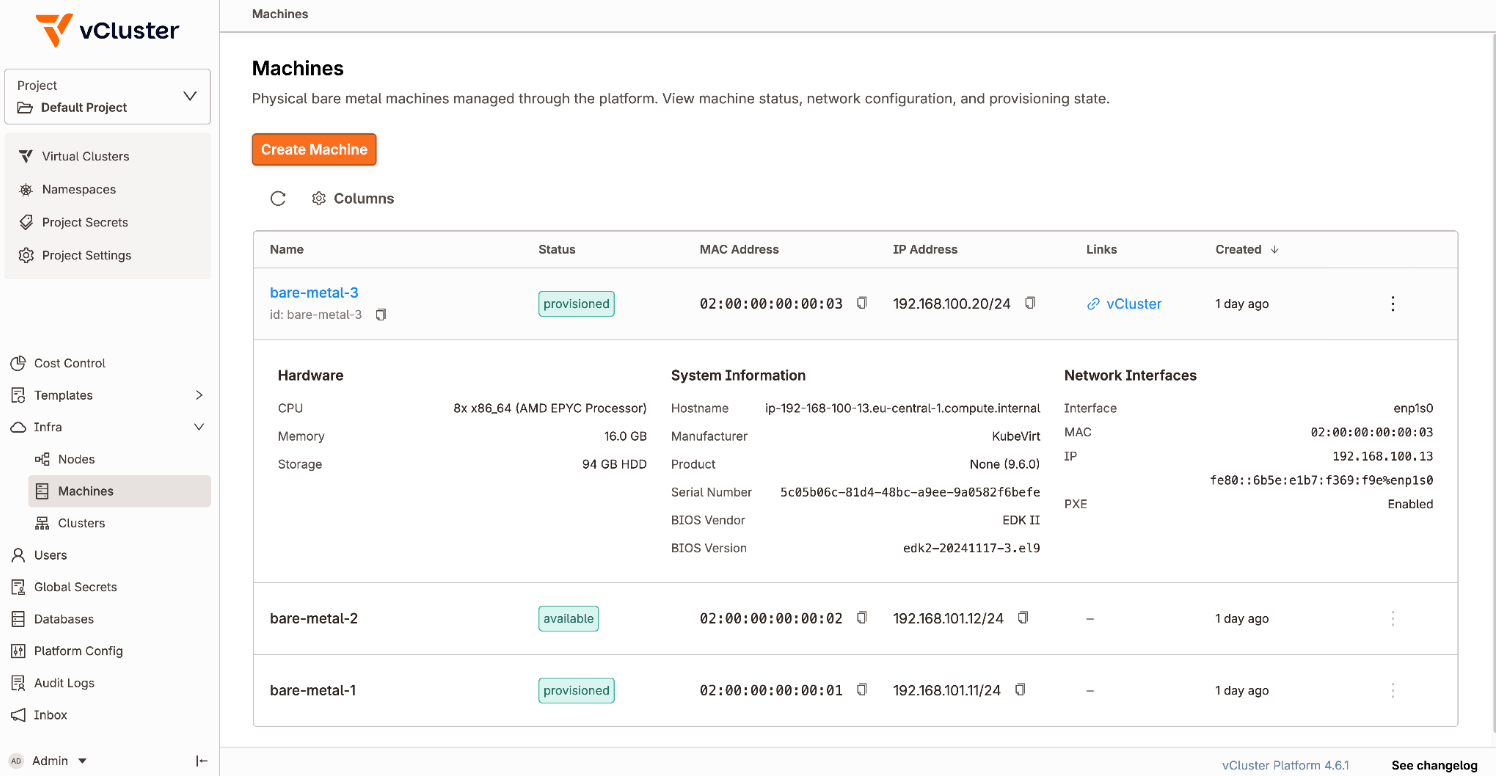
To learn more - please look at the docs page.
Certified Stacks
Certified Stacks enable one-command deployment of a complete environment - virtual cluster, tenancy model, isolation boundaries, resource policies, and application layer. Each stack is a sequence of Terraform modules that accept user input, orchestrate vCluster creation, and install the full application stack end to end.
This release ships certified stacks for the following:
Run.ai - Hard and soft multi-tenancy, with optional Run.ai control plane deployment for either model
Slinky - Hard and soft multi-tenancy
Ray - Hard multi-tenancy
SkyPilot - Hard multi-tenancy
All stacks are published in a public GitHub repo. Each stack is fully self-contained - fork the repo, modify the Terraform modules to fit your environment, swap in your own tooling, or use them as a reference to build a stack from scratch. Certified stacks are tested and maintained by vCluster.
Manage vCluster Standalone in vCluster Platform
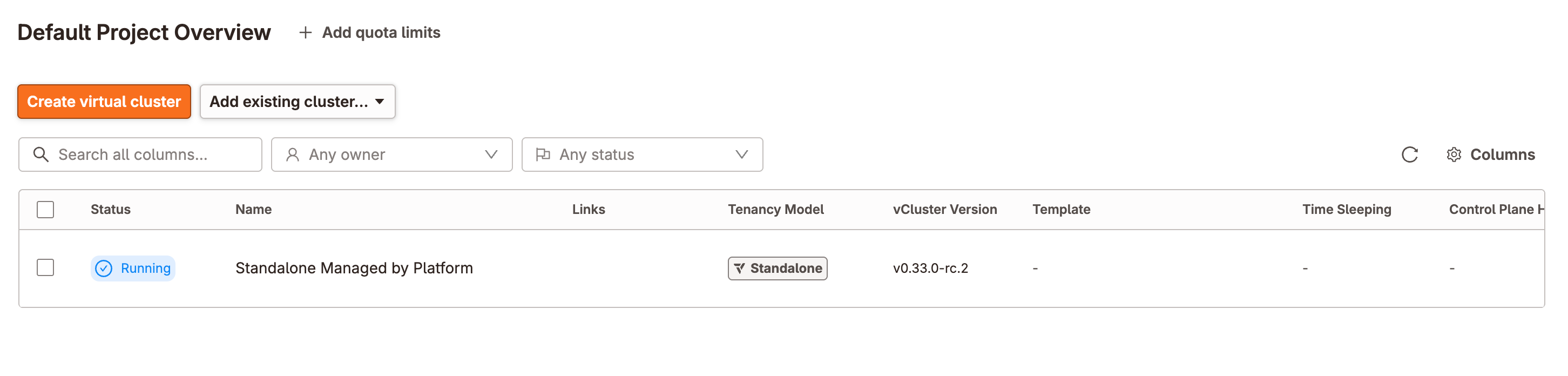
vCluster Standalone instances can now be fully managed from vCluster Platform. Config changes and upgrades no longer require SSH access or manual intervention.
New vcluster platform add standalone subcommands allow connecting standalone clusters as a host cluster, a managed cluster, or both. See the full documentation here.
Least Privilege Mode
The platform agent's ClusterRole can now be scoped to only the permissions your deployment requires. Enable least privilege mode under agentValues.leastPrivilegeMode in your platform config, then disable the features you don't use. All features are enabled by default - you only need to specify what you're turning off. The below example shows all the permissions you may disable for the platform agent:
agentValues:
  leastPrivilegeMode:
    enabled: true
    clusterAccess:
      enabled: false
    projectQuotas:
      enabled: false
    secrets:
      enabled: false
    sleepMode:
      enabled: false
Note: Least privilege mode applies to agents deployed on external host clusters, not the agent bundled with the platform itself. If you want to limit agent permissions on a host cluster, deploy the platform on a separate cluster - don't register the platform's own cluster as a host cluster in any project.
Learn more at the docs page here.
More in This Release
Run.ai Conformance - vCluster is now Run.ai conformant.
DRA Sync - Dynamic Resource Allocation for GPUs now works in shared tenancy models, enabling fine-grained GPU allocation across virtual clusters. See the docs for more details.
All Projects View - Global admins can see all vClusters and namespaces across every project in a single view.
Breaking Changes
In v0.25 we deprecated k3s as distro option, and as of v0.33 it has been removed entirely. See the docs for more details on migration options.
When using extraAccessRules, if a user or team included in the rule does not exist they will now be immediately removed, therefore users & groups must exist within the platform before rules are created.
Other Announcements & Changes
vCluster’s Istio integration now supports Istio v1.29
For a list of additional fixes and smaller changes, please refer to the vCluster release notes and the vCluster Platform release notes. For detailed documentation and migration guides, visit vcluster.com/docs.